FeaturedCompliance
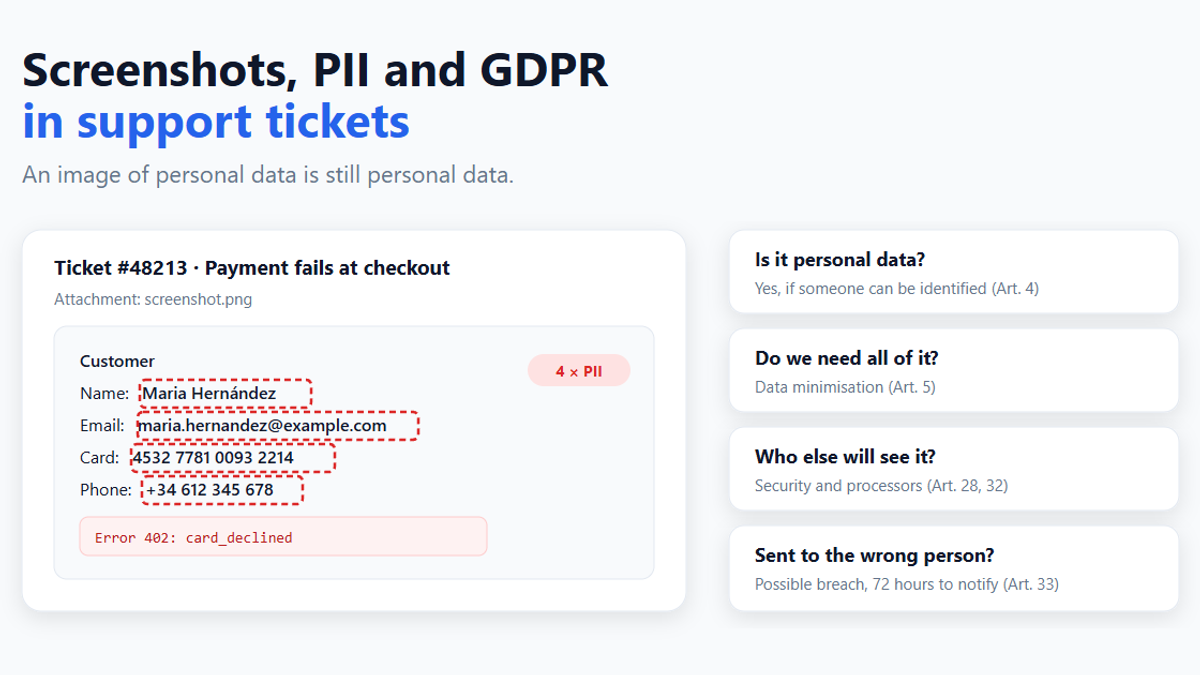
Screenshots, PII and GDPR in Support Tickets: A Practical Guide
Screenshots in support tickets are personal data under GDPR. What that means for your team, when a leaked screenshot is a breach, and a policy you can adopt today.
Screshot blog
Screenshots in support tickets are personal data under GDPR. What that means for your team, when a leaked screenshot is a breach, and a policy you can adopt today.
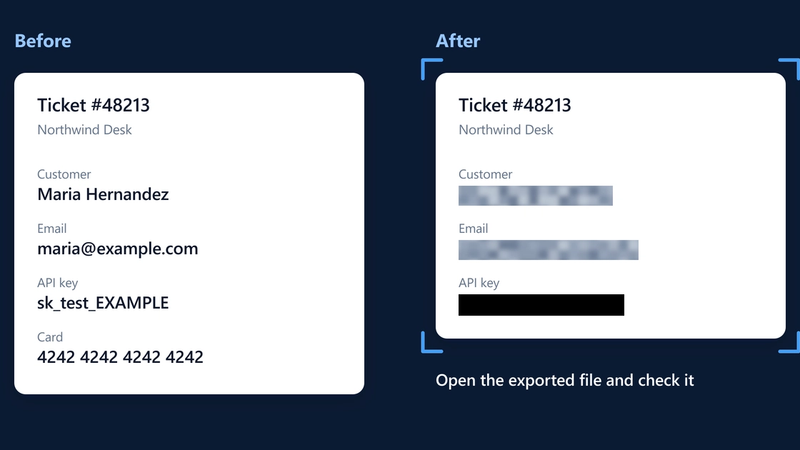
Redact a screenshot on Windows, Mac or Chrome: when to crop, when to cover, why blur isn't for secrets, and how to check the file before you send it.
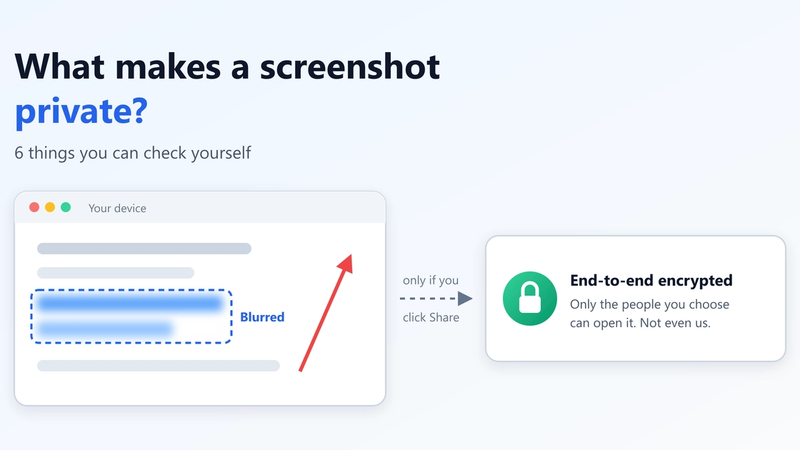
A private screenshot stays on your device until you choose to share it. Six checks to tell whether a screenshot tool keeps it that way, and where privacy ends.
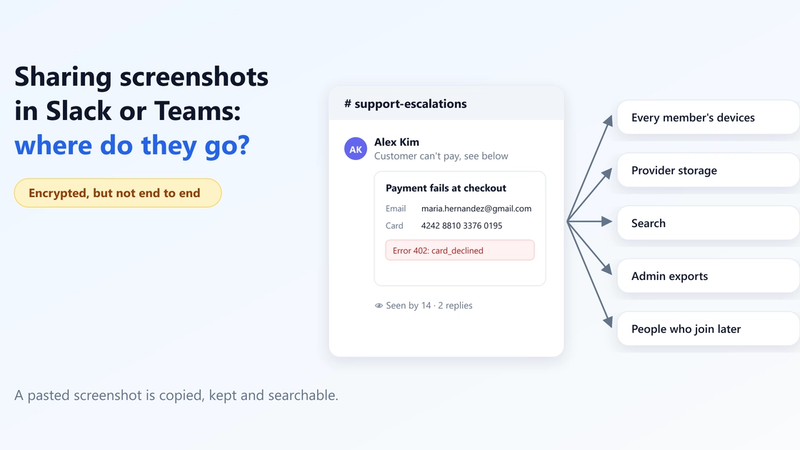
Slack and Teams encrypt your screenshots, but not end to end. Where a pasted screenshot actually goes, who can see it later, and how to share one safely.
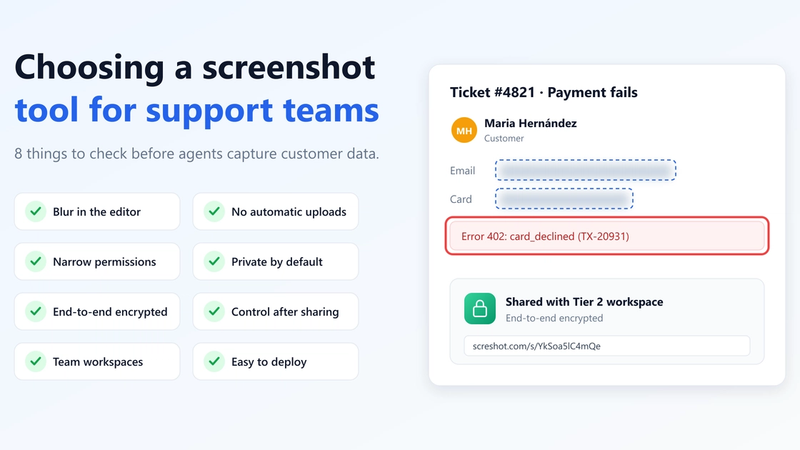
Support teams screenshot customer data all day. Eight things to check in a screenshot tool: blur, permissions, private sharing, encryption, control and rollout.
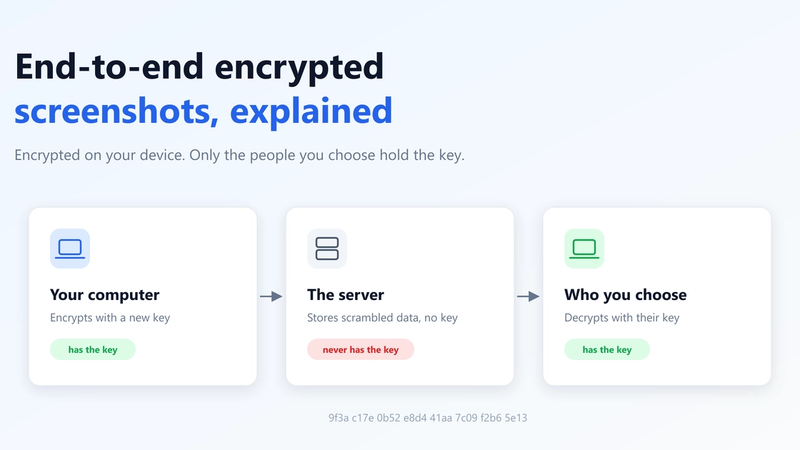
What end-to-end encryption means for a screenshot, how it differs from encryption in transit and at rest, what the server still sees, and its limits.
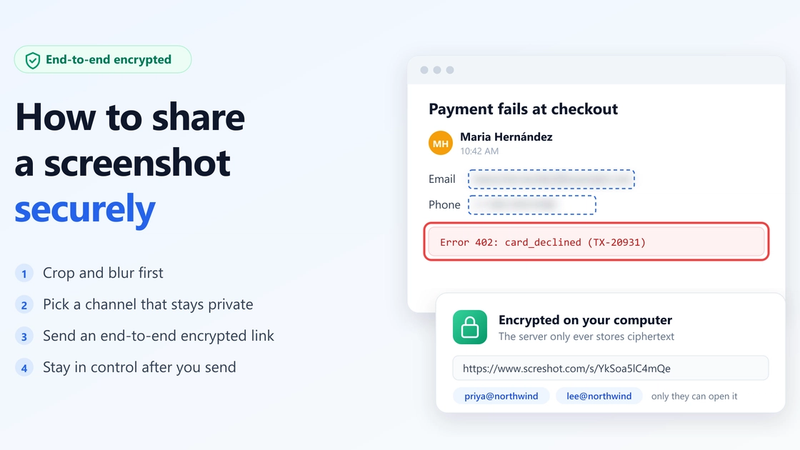
Share a screenshot securely in 4 steps: crop and blur first, pick a safe channel, send an end-to-end encrypted link, and stay in control after you send.
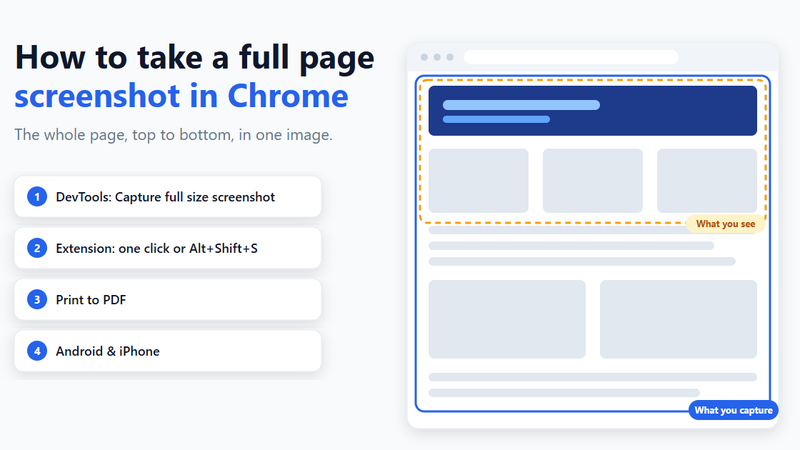
Capture an entire web page in Chrome: the built-in DevTools command, a one-click extension, Print to PDF, and Android or iPhone. Plus fixes when it breaks.
Blur names, emails and similar details in a screenshot with a 4-step method in Chrome, and know when blur is the right choice and when to crop instead.
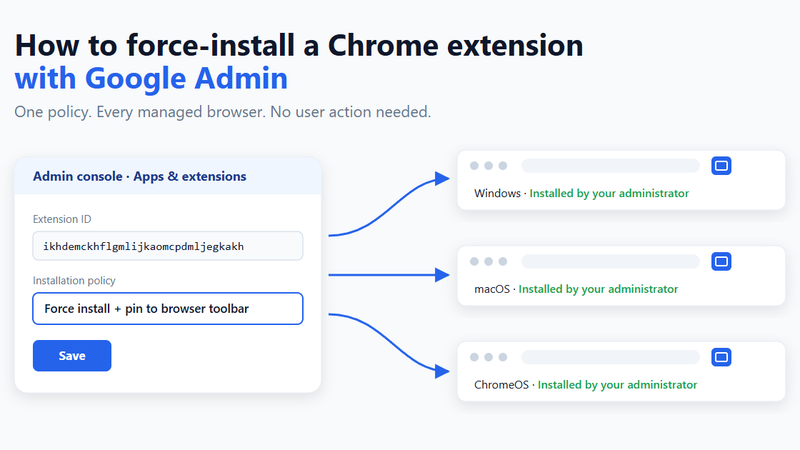
Push a Chrome extension to every managed browser from the Google Admin console: find the ID, pick the installation policy, verify it and fix problems.
